
Signal
Signal is a free, privacy-focused encrypted messaging app from the Signal Foundation. Signal Desktop 8.28.0 brings your chats to a Windows PC.
Windows
Open source

KakaoTalk for Windows is the desktop version of Kakao's free instant messenger, letting you chat from your PC with the same account as on your phone.
Average 0.0 · ratings: 0
Thank you! Your rating is saved; you can change it. Could not save the rating. Please try again later. Too many ratings from your network today. Please try again tomorrow. The average appears after 5 ratings.
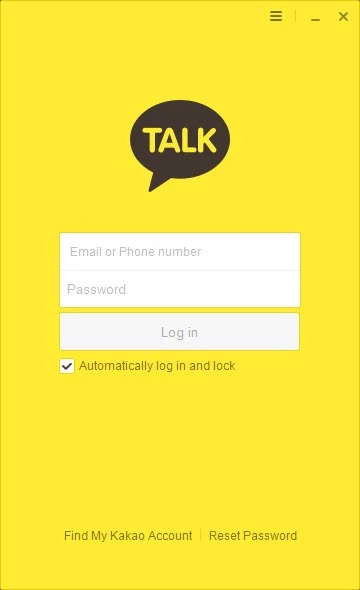
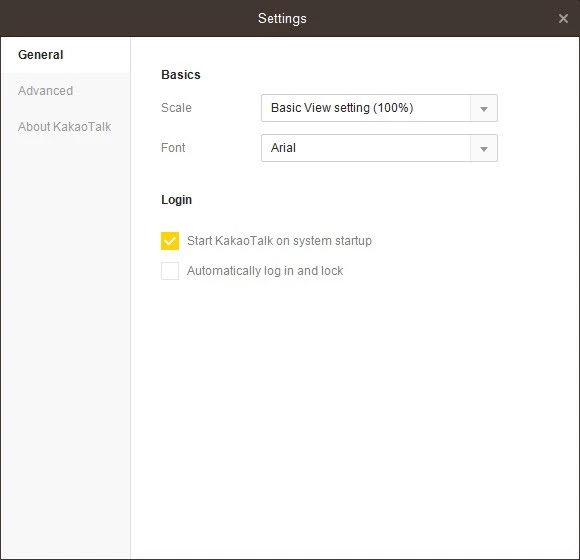
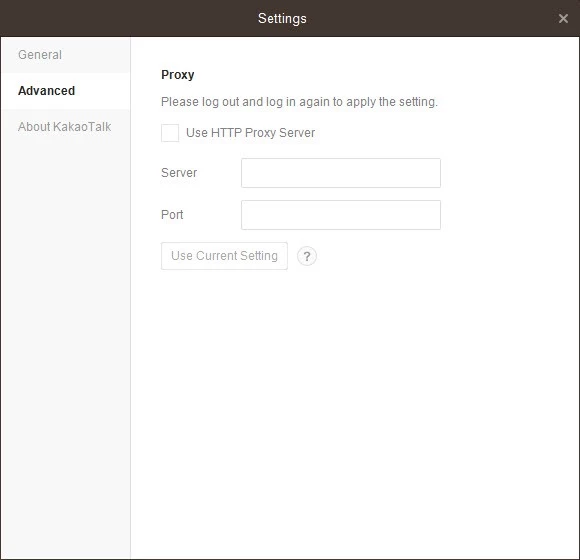
KakaoTalk 26.7.1.5263 is the Windows version of the free instant messenger from Kakao Corp. It lets you read and answer your chats on a PC with the same account you use on your phone, and you can download it from Kakao's official service page.
| Item | Details |
|---|---|
| Version | 26.7.1.5263 |
| Developer | Kakao Corp |
| Platform | Windows (desktop version) |
| Mobile versions | Android, iOS |
| Launched | March 2010 |
| Price | Free |
| Size | about 79.25 MB according to catalogue data |
KakaoTalk started in 2010 as a mobile instant messenger and grew into an everyday chat app for friends, families and workplaces. Friends, family groups, classmates and colleagues all meet there, so for many users it plays the same role that WhatsApp or Telegram play elsewhere. The Windows client exists for the moments when a phone is inconvenient: long conversations, sending files from the computer or following a busy group chat while you work. It mirrors your account, so conversations continue on whichever device you pick up. If the people you need to reach already use KakaoTalk, installing it is the practical step, because they may simply ask for your Kakao ID instead of a phone number.
Most login problems come from a mismatch between devices. Update the app on both the phone and the computer, check that the date and time on the PC are correct, and make sure your firewall or company network is not blocking the program. If you changed phones recently, sign in on the new phone first and then try the PC again. Reinstalling the Windows app from the official page fixes most remaining issues without touching your chats.
Take the installer only from kakaocorp.com or its official links. Fake KakaoTalk installers on download portals can steal accounts or add adware. Treat messages asking for money or verification codes with suspicion, even when they seem to come from a friend, and confirm by phone first.
If your contacts use other services, our listings include WhatsApp Desktop, Telegram Desktop, Line, Viber and WeChat for Windows, all desktop messengers tied to a mobile account.
Signal is a free, privacy-focused encrypted messaging app from the Signal Foundation. Signal Desktop 8.28.0 brings your chats to a Windows PC.

WhatsApp Desktop is the official WhatsApp app for Windows, letting you chat and call from your PC with the account on your phone.

Microsoft Teams is Microsoft's collaboration and video-conferencing app for chat, meetings, calls and shared files at work, school or home.

Zoom Meeting is the desktop client of Zoom's video-conferencing service for calls, webinars, screen sharing and chat on Windows.

Camo Studio is Reincubate's desktop app that turns an iPhone, iPad or Android phone into a high-quality webcam for a Windows PC or Mac.

Google Meet is Google's video meeting app. On Windows it runs from the browser and can be installed as an app, with no separate installer to download.

Facebook for Windows is the desktop app of Meta's social network, with the news feed, groups, pages and notifications in a separate window.

Telegram Desktop is the official Windows client of the Telegram messenger, with chats, groups, channels and file sharing synced from the cloud.

Telegram Web is the browser version of the Telegram messenger: open it on a Windows PC, log in with your phone and chat without installing anything.